Log In
 Book a Demo
 Menus
Menus
 Marketing
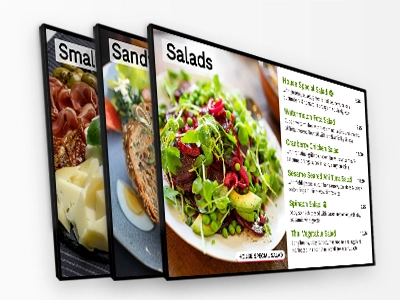
 Display Menus
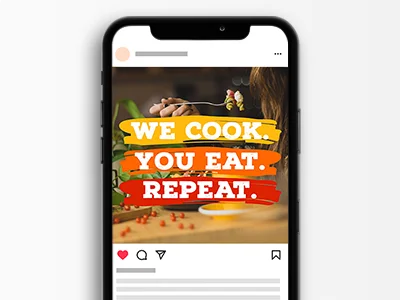 Social
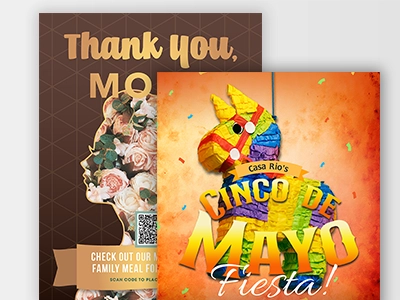 Seasonal
Free
$0
forever
Design everything for your restaurant or store.
Get Free Account- 5000+ Free templates
- Free photos and graphics
- Apply brand font, colors and logos
- Share links to use anywhere
- Professional printing
- QR code, 300 scans
- Link page, 300 views
- Online menu, 300 views
- 5 GB of cloud storage
 Pro
Pro
$25/mo
paid annually
Multi-channel menu management and marketing.
Get Pro- Everything Free has, plus:
- 25,000+ hospitality-ready design templates
- Pull from your POS menu data
-
Unlimited hi-res downloads
NEW - MP4 Video download! - Unlimited views for QR Codes, link pages and online menus
- Advanced design: custom sizes, font uploads and more!
- Extend with teams and locations
- Extend with Display app
- Custom link pages, unlimited views
- Priority customer support
ADD-ONS
 Display
$20/mo
per screen
Manage all of your digital signage
Includes easy setup, remote management, playlists, scheduling, video content, user permissions, troubleshooting and more!
Learn More Teams
Teams
Add your team for
$10/each per month
 Locations
Add locations for
$10/each per month

Enterprise
Everything you need to manage and scale your teams. Custom location and team setup options for enterprise businesses. May also include custom template sets and dedicated account management.
You can always count on MustHaveMenus for...

Restaurant-focused Template & Image Selection

Pro Printing Services
2-Day shipping to most of the U.S.

Publishing Options

Expert Support

What our customers are saying...

"I love the simple ways to get my story out for my company."

"Great all around website and easy to design!!!"

"A one stop-shop! I love it!"
-
"I love the simple ways to get my story out for my company."
MindyPesto Fine Italian -
"Great all around website and easy to design!!!"
JessieC'est Bon Cafe -
"A one stop-shop! I love it!"
LucretiaStuffed Eats
Frequently Asked Questions
What do I get with a Pro plan?
At MustHaveMenus, we work hard to make sure our customers have all the tools they need for menu design and marketing in one place. With a Pro Plan, you can create and save an unlimited number of menus to your account, upload your own graphics, logos, and backgrounds, and use images from our clipart library. You can also download a PDF of your menu at any time for in-house printing, or order prints with a click and get menus delivered to your door. You also get complete access to our digital tools such as unlimited QR codes, branded Link Pages, and Online Menus - all with unlimited views.
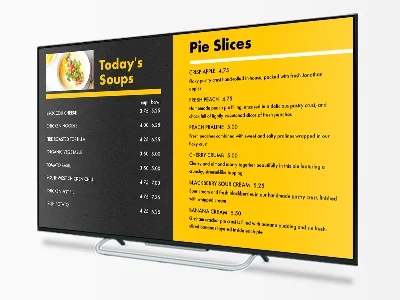
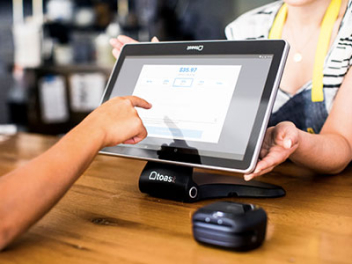
You can pull data directly from your Toast or Square POS system which will save you data entry time and ensure your prices are up-to-date. Design digital menu boards and digital signage that include stock videos to add some flair. You can download the MP4 videos used in your designs.
In addition, you have access to Facebook posting and easy website integration.
What's the difference between the monthly plan and annual plan?
The savings! Each plan offers the same benefits, but with an annual plan, you save over 17% for paying up front (that's a savings of $61 per year!).
What is your standard pricing?
Pricing for our monthly and annual plans are $30/month or $299.00/annually US, respectively. Plans renew automatically every calendar month or year until cancelled.
What do I get with the Display add-on?
The Display add-on is an exciting product that allows you to manage all your digital displays in one place. You can easily add display devices, create playlists and add schedules to control updates to content at specific dates and times. You can assign permissions to specific users and more.
Do I print my own menus, or do you print them?
With a Pro plan, you can do either, or both! Download a high-resolution PDF of your menu at any time, allowing for in-house printing. You can also order professional printing with MustHaveMenus to get menus delivered right to your door. Many of our customers opt to print their most variable menus in-house (such as a Daily Specials menu) and order their dine-in and takeout menus with us!
Will a real person answer my chats?
We certainly will! Our menu experts in Customer Service are available via chat or via email, 6am - 4pm Pacific, Monday through Friday.
Is there a contract or cancellation fee?
Nope! While accounts are set to automatically renew, you can cancel at anytime to avoid the next charge. Canceling can be done through your account settings or by contacting Customer Service.
What are the hidden fees? (Also known as "What's the catch?")
No hidden fees, no catch. Plan rates are shown above and printing prices can be found here.
If I cancel my account, are my menus or digital tools deleted?
File storage is not guaranteed for canceled accounts. Canceling your account places it into an inactive state, during which time you will not be billed and your menus will not be accessible. You can log in again at any time to reactivate your account and continue working. If you do not want to possibly risk losing your files, we recommend pausing your subscription if you need to take a break rather than canceling.
Can I switch back to a free account after purchasing a Pro plan subscription?
Free accounts are perfect for testing out all our available products without having to make a purchase immediately. Think of the free account as your indefinite trial, until you need more features or functionality! That being said, once you have signed up for a professional plan, you will be unable to switch back to a free starter account.
You can pause or cancel your subscription at any time. When you are ready to work on your assets again, it will be necessary to sign back up for your subscription.
What do I get with a Location add-on?
Our location add-on is available to customers with an active Pro Plan. Locations can be added to your subscription for $10/mo per location. Locations offer:
• custom brand kit
• unlimited designs
• dedicated QR codes
• unique Online Menu
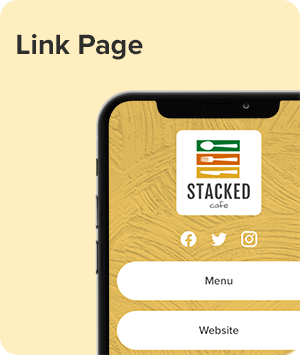
• unique Link Pages (Landing Pages)
• simple sharing options
Can I remove a Location add-on?
Yes! Locations can be removed under your Account Settings. Once a location is removed from your account you will no longer be billed for it on a monthly basis. When a location is removed, you will have the option to delete or transfer your files over to a different location in the account.
What do I get with a Teams add-on?
Our Teams add-on is available to customers with an active Pro Plan. Team members can be added to your subscription for $10/mo per team member. Team members are assigned to specific locations and only have access to assets associated with the location.
Can I remove a Teams add-on?
Yes! Team members can be removed under your Account Settings. Once a team member is removed from your account you will no longer be billed for the team member on your next invoice. When a team member is removed, you will have the option to use the available seat for a new team member. If you use the seat for another team member, you will continue to be billed for the team member.
I've got a question you haven't covered here.
We'd love to hear from you. Customer Service is available via chat or via email, 6am - 4pm Pacific, Monday through Friday. You can also check out our Help Center for more FAQs, how-to articles, and tutorials.